Android
Phone · Tablet
Install from Google Play or download the APK file directly.
Google Play Download
Everything you enjoy on your TV, now on your phone and computer too, in a single player.
NexaPlay brings your M3U or Xtream playlists together in one place. Install the app, get a unique code for your device, enter it on nexaplay.app and load your playlist: Live TV with a program guide, movies, series, radio and favourites. Pick your device below and start in minutes.
Phone · Tablet
Install from Google Play or download the APK file directly.
Google Play DownloadAndroid TV sets and boxes
Install from Google Play on your TV or download the Android TV APK directly.
Google Play DownloadAmazon Fire TV Stick · Fire TV Cube · Fire TV smart TVs
NexaPlay is available on Fire TV sets and sticks: search for “NexaPlay” in the Amazon store on your TV. You can also install the APK file directly.
Available on Fire TV Download Fire TV APKWindows 10 / 11 · 64-bit
Install NexaPlay from the Microsoft Store. Updates arrive automatically, straight from Microsoft.
Microsoft StoreCompatible Samsung Smart TVs
NexaPlay is available directly on your Samsung TV: open Apps (Samsung TV Store), search for “NexaPlay” and install the app.
Available in the Samsung TV StoreLG Smart TVs (webOS)
NexaPlay is available directly on your LG TV: open the LG Content Store (Apps), search for “NexaPlay” and install the app.
Available in the LG Content StoreNexaPlay is a player. It does not include or sell channels, movies or playlists. Add only content you are allowed to access. An internet connection is required.
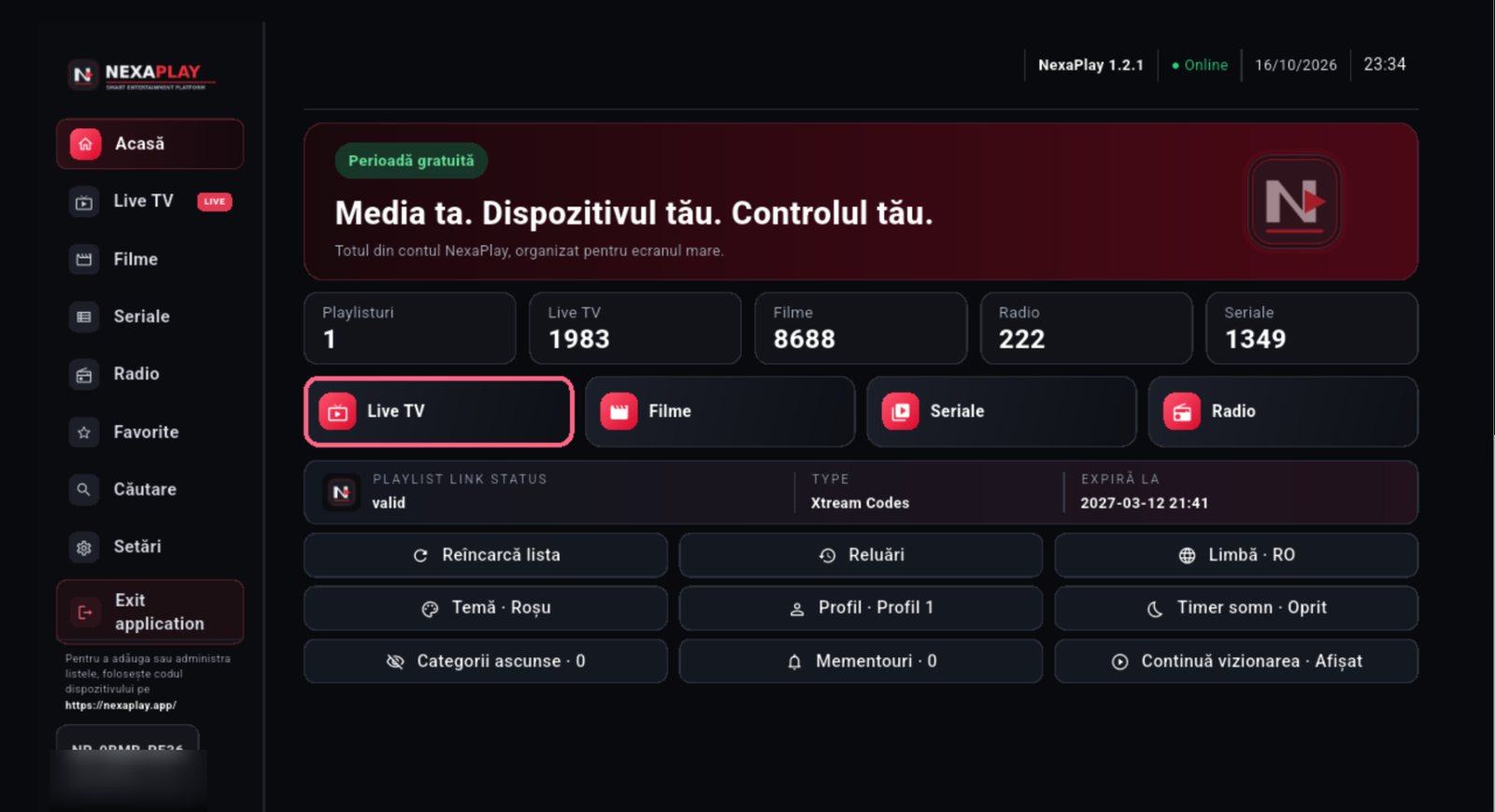
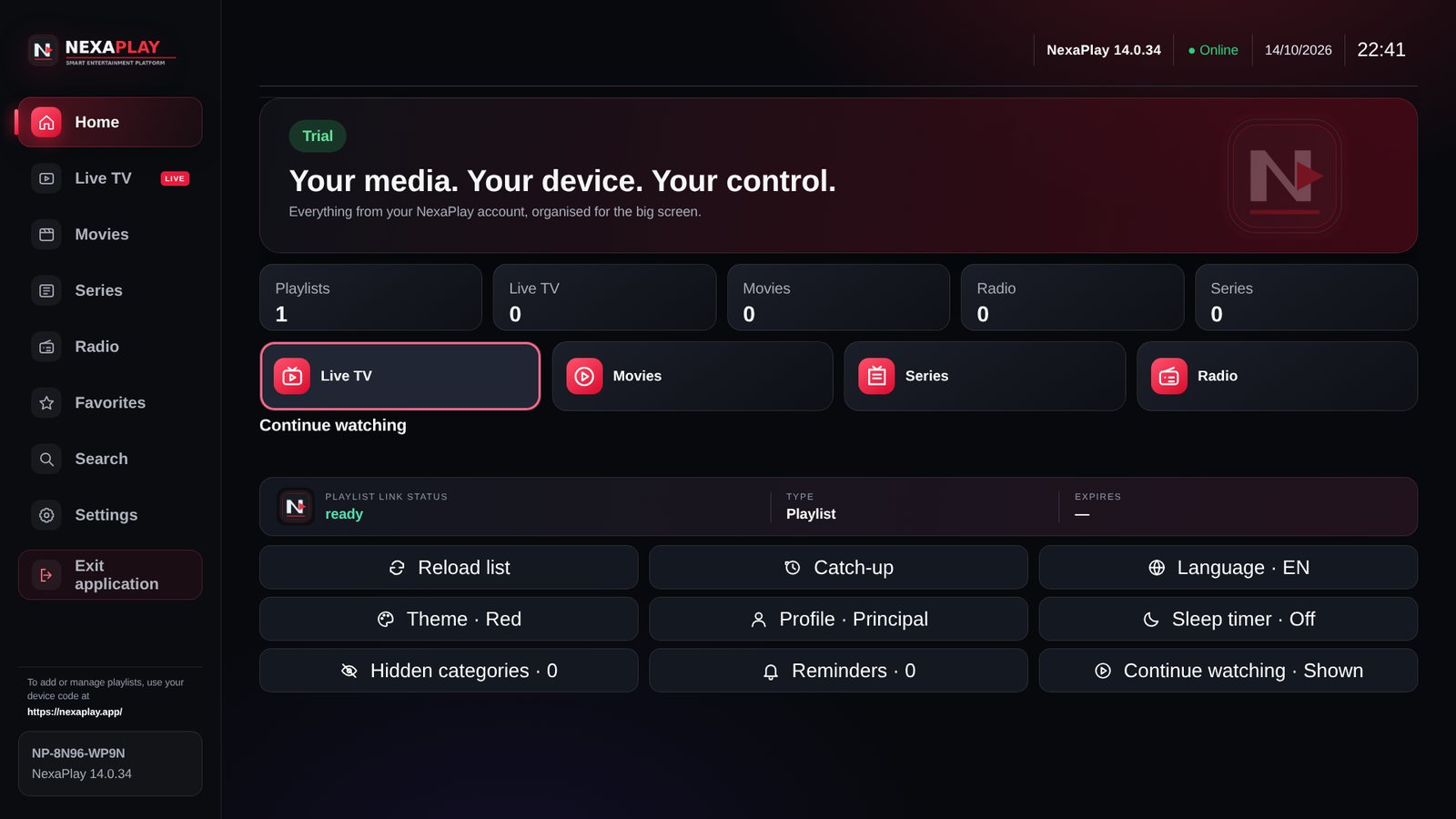
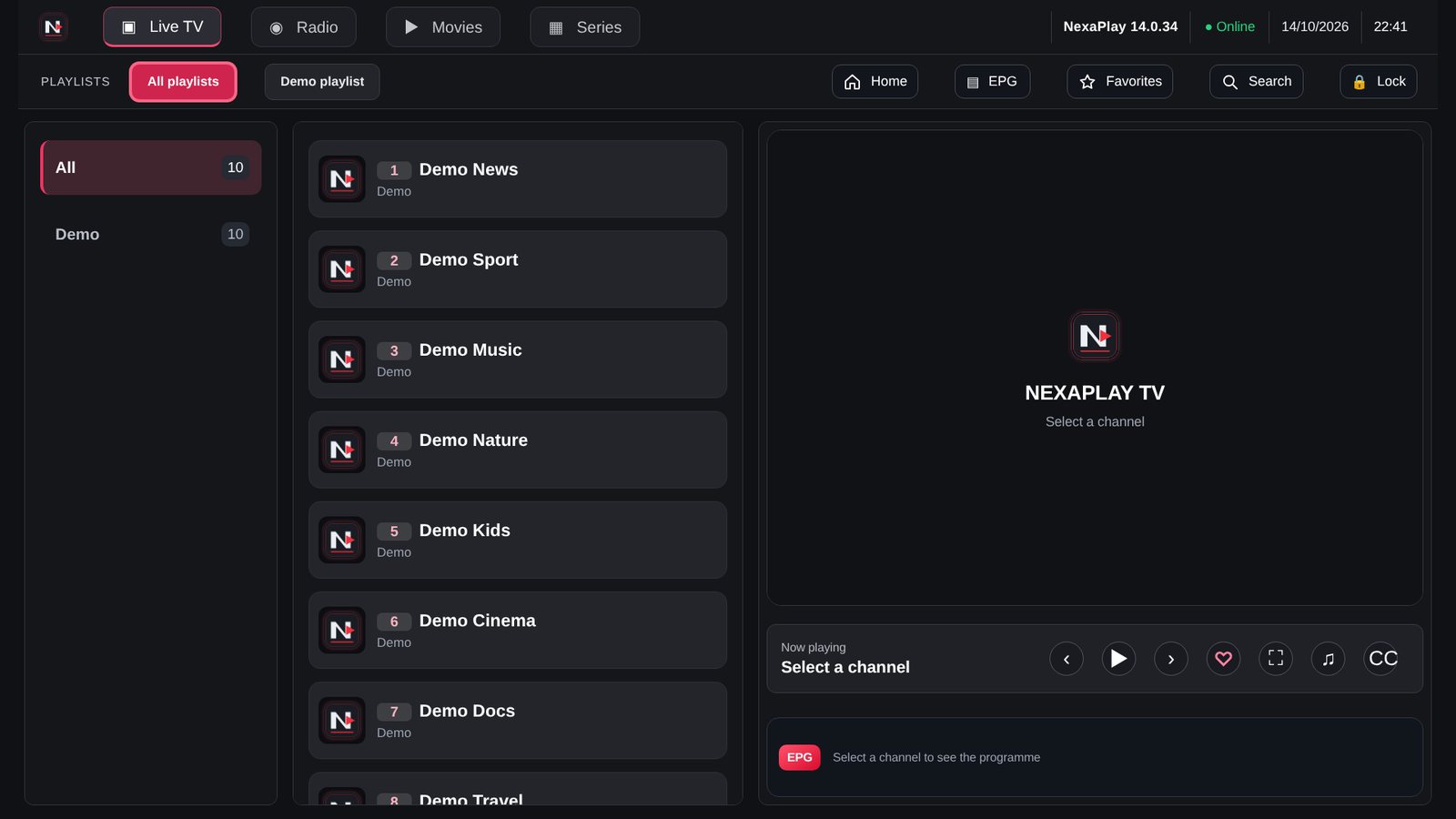
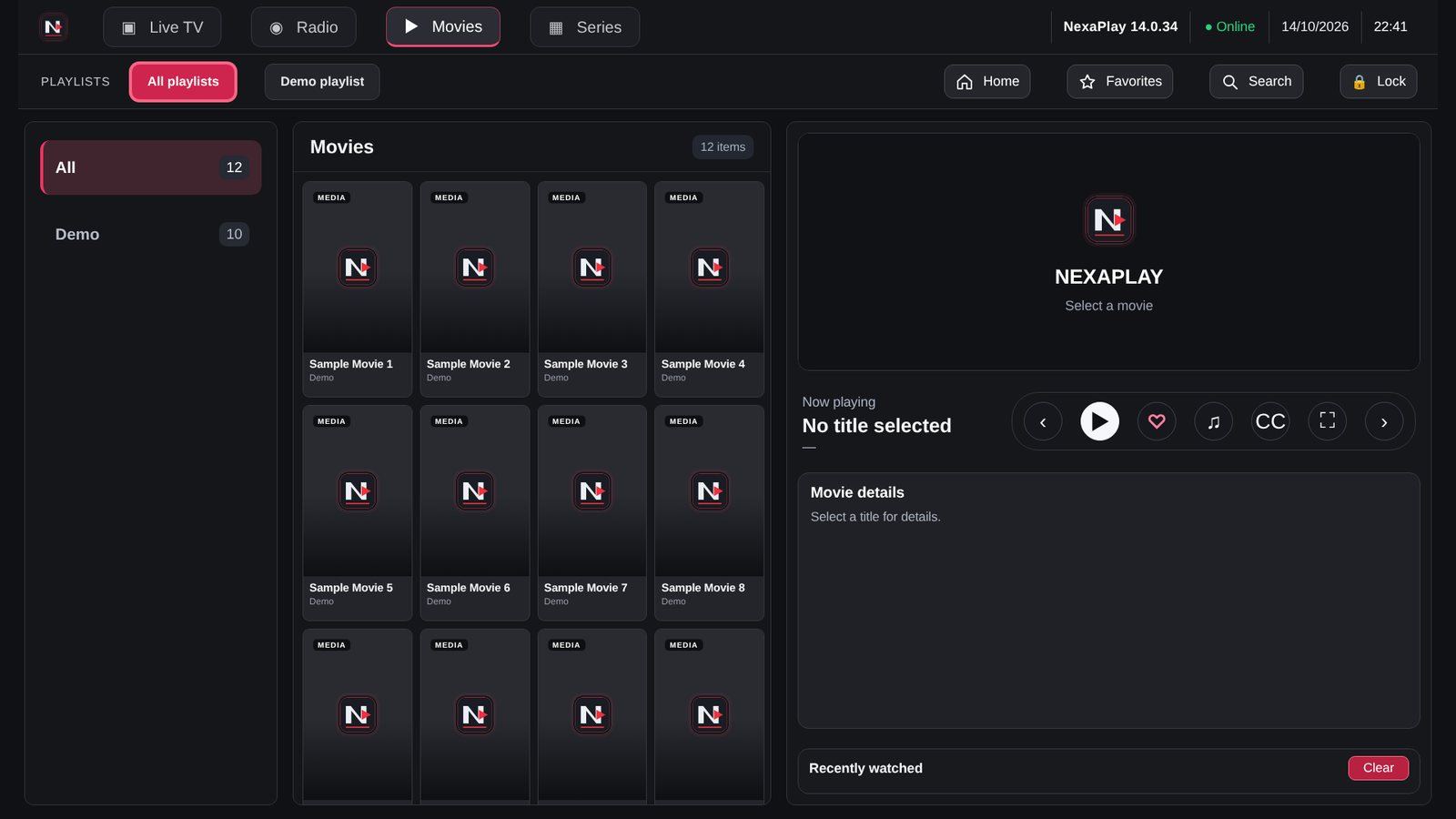
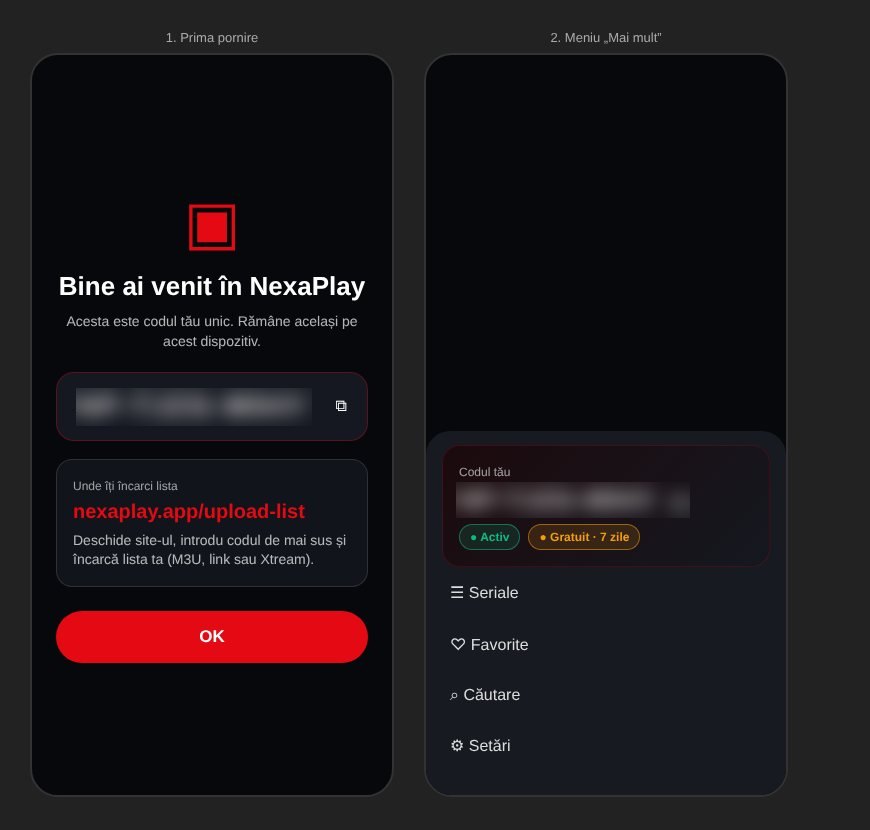
This is what NexaPlay looks like once installed. Each device gets its own code, which you use to load your playlist.
Android TV sets and boxes
An interface built for the remote: pick a channel with OK, press again for fullscreen.
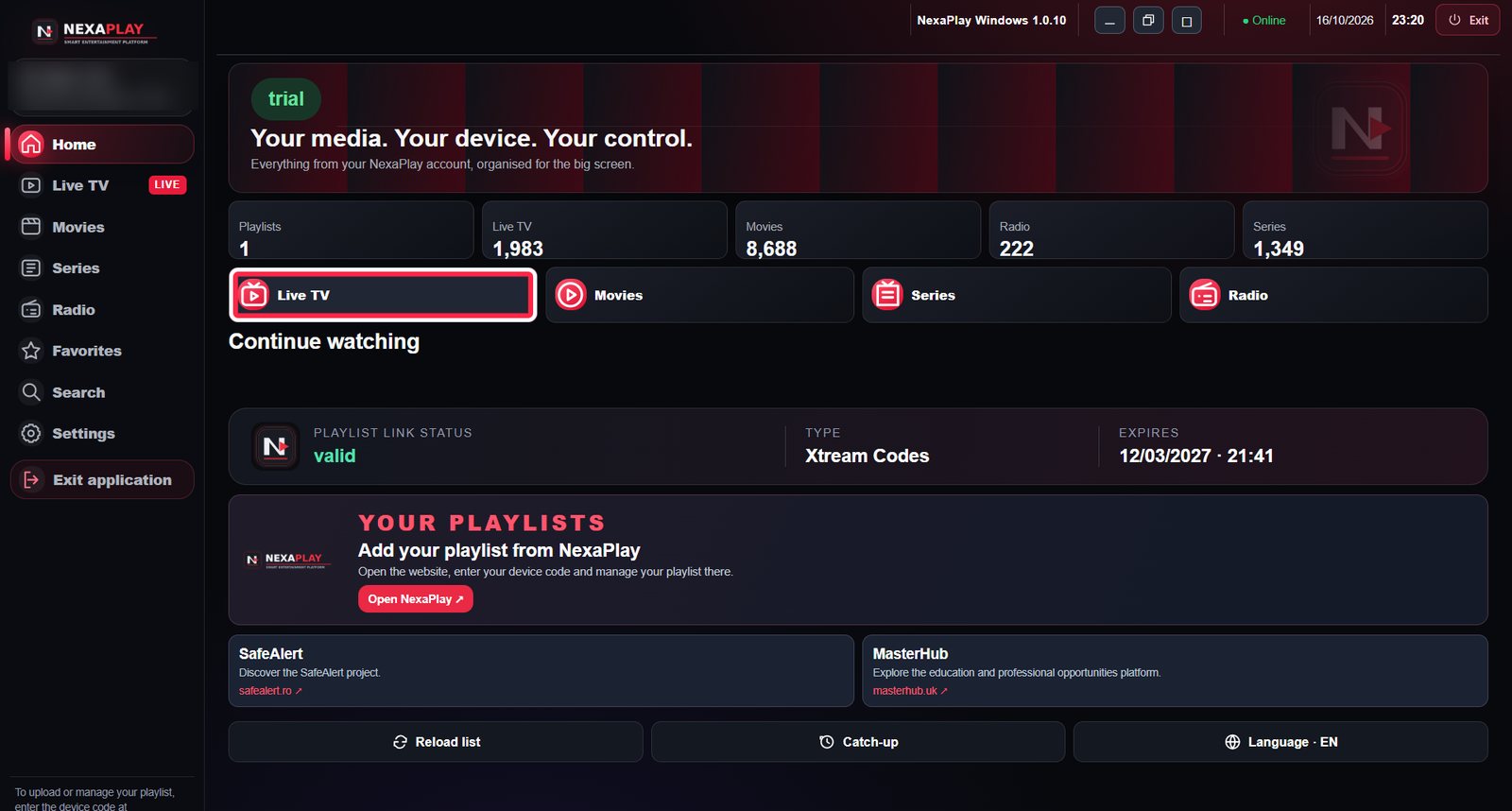
Windows 10 / 11 · 64-bit
The full app on your computer, windowed or fullscreen.
Compatible Samsung Smart TVs
Live TV, movies and series on the big screen, with the same interface as on other TVs.
Phone · Tablet
On first launch you get a unique code. Enter it on nexaplay.app and load your playlist.